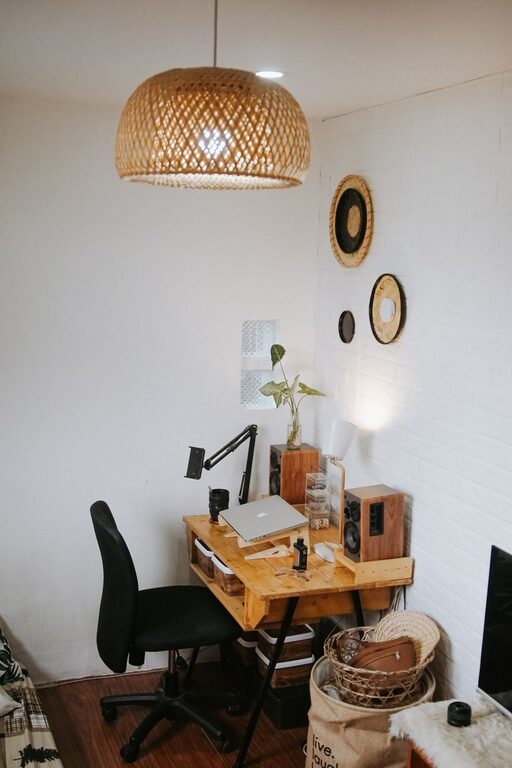
Creating a home workspace that feels both cozy and functional can make a world of difference in how you work each day. Whether you’re remote full-time or occasionally working from home, a well-designed workspace can boost your productivity, reduce stress, and even improve your overall well-being. In this post, we’ll explore practical tips to help you set up a comfortable and efficient home office tailored to your needs.
Choose the Right Location
Consider Natural Light
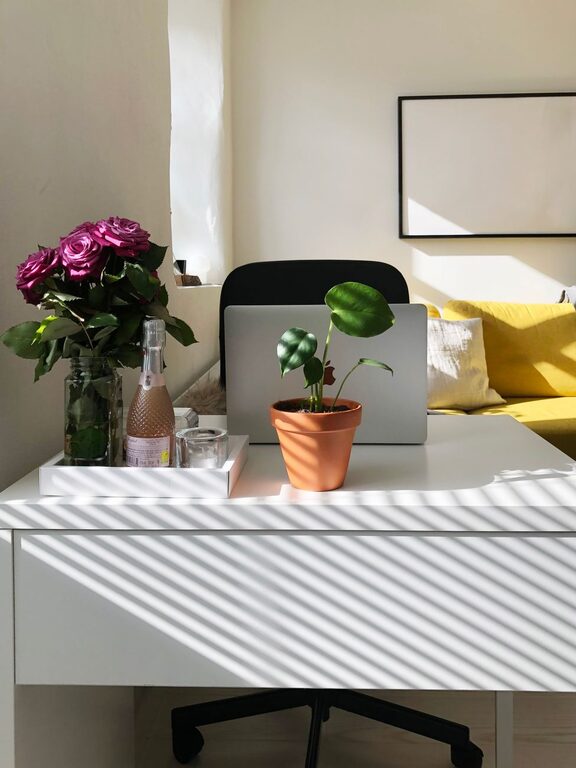
Natural light is one of the best features you can incorporate into your workspace. Try to place your desk near a window to benefit from daylight, which can help improve your mood and focus. Avoid direct glare on computer screens by angling your desk or using adjustable shades.
Minimize Noise and Distractions
Select a quiet area where you can concentrate without frequent interruptions. If your home is bustling with activity, consider noise-canceling headphones or gentle background music to maintain focus.
Invest in Comfortable and Supportive Furniture
Ergonomic Chair
A comfortable chair that supports your back is essential for long work hours. Look for adjustable options that provide lumbar support and encourage good posture.
Functional Desk
Choose a desk that fits your space and work habits. If you use multiple devices, ensure the surface is large enough to accommodate them without clutter. Standing desks or adjustable workstations can offer the flexibility to switch postures throughout the day.
Personalize Your Space for Comfort
Add Soft Textiles
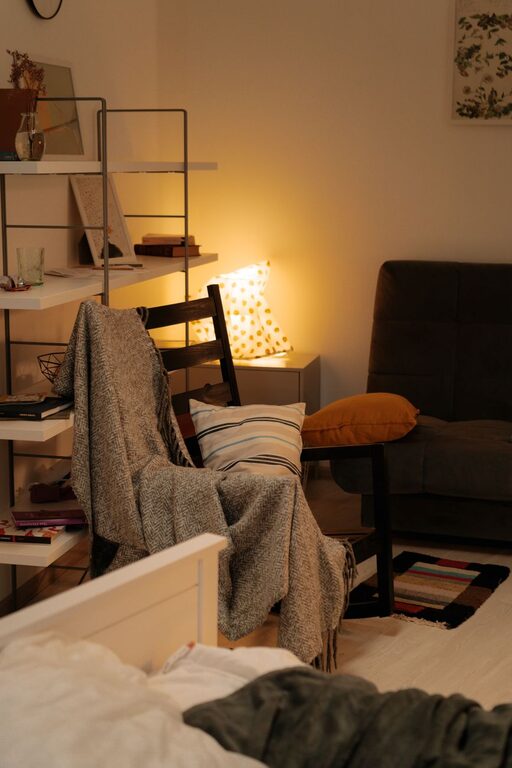
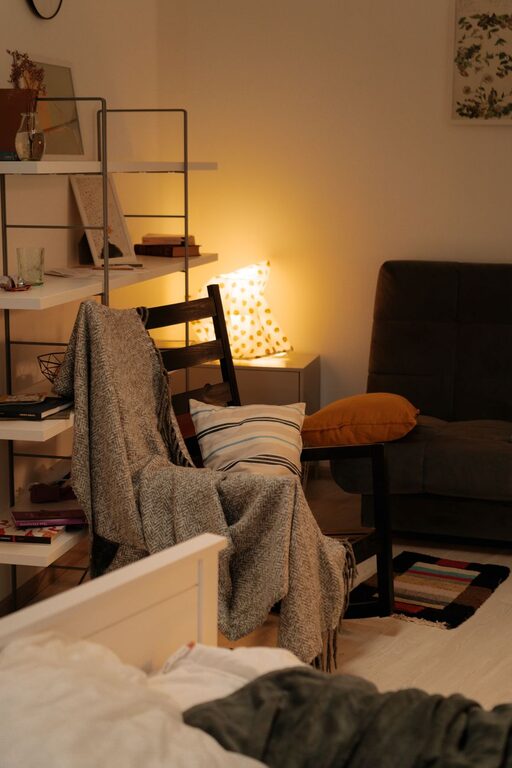
Incorporate soft cushions, a cozy throw blanket, or a small rug to make your workspace feel inviting. These touches can reduce the sterile office vibe and create a warm atmosphere.
Include Plants
Indoor plants not only add color but also purify the air and reduce stress. Even a small succulent or leafy plant on your desk can add life to the space.
Organize Efficiently for Productivity
Use Storage Solutions
Keep your workspace tidy with practical storage options like shelves, drawers, or desk organizers. This reduces visual clutter and helps you find supplies easily.
Manage Cables
Use cable clips, sleeves, or boxes to keep cords neat and out of the way. A clutter-free workspace can help maintain focus and prevent accidents.
Optimize Lighting
Combine Ambient and Task Lighting
While natural light is great during the day, you’ll need sufficient lighting for overcast days or late work sessions. Use a combination of ambient lighting (such as ceiling lights) and task lighting (like desk lamps) to reduce eye strain.
Choose Warm Light Tones
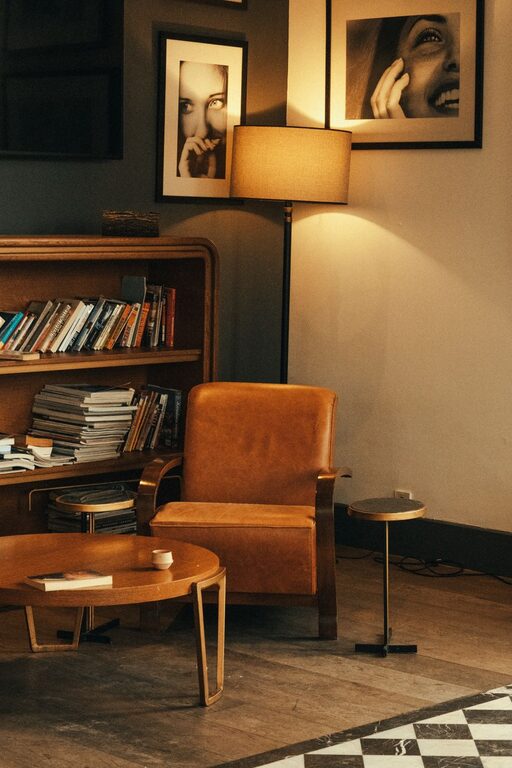
Soft, warm lights create a cozy and relaxing environment, unlike harsh, cold lighting which may feel sterile.
Keep Technology Handy and Organized
Essential Equipment
Ensure your workspace has all necessary technology for your tasks—laptop or desktop, printer, headset, and reliable internet connection.
Keep it Decluttered
Limit gadgets on your desk to essentials to prevent distractions. Use wireless devices where possible to reduce cable clutter.
Establish Boundaries and Routine
Separate Work and Rest Areas
Try to limit your workspace to one spot in your home. This separation helps you mentally switch between work mode and relaxation.
Set a Schedule
Having a consistent routine reinforces a work-life balance, even when your office is at home.
Add Inspiring Elements
Personal Touches
Display photos, artwork, or items that inspire you to create a positive atmosphere.
Vision Board or Planner
Keeping your goals and deadlines visible can help you stay motivated and organized.
Maintain Cleanliness and Comfort
Regular Cleaning
Dust and clean your workspace regularly to keep it fresh and inviting.
Temperature Control
Make sure the room temperature is comfortable. Use fans, heaters, or humidifiers as needed to create a pleasant environment.
—
Creating a cozy and functional home workspace doesn’t require a complete makeover. Small changes like organizing your desk, adding plants, and choosing comfortable furniture can significantly enhance how you feel while working. Tailor your space to fit your needs, and you’ll find it easier to stay focused and enjoy your workday. Happy decorating!
About the Author